
 listicle
How Does Construction Management Software Improve Renovation Projects?
Last Updated: October 26, 2026
Quick Summary
Construction management software renovations improve project visibility, automate scheduling across trades, and centralize budget tracking to prevent cost overruns and delays. Real-time coordination keeps subcontractors aligned, reduces manual communication, and helps teams complete renovations on schedule in occupied spaces.
- Real-time photos and daily reports eliminate manual data entry and keep architects informed without daily site visits
- Automated scheduling alerts notify all trades when upstream tasks run late, preventing cascading delays
- Budget tracking software records actual labor and material costs against estimates to improve future project bidding
- Phase-level views support occupied space coordination by showing clients exactly when each space will be unavailable
- Role-based training and single-project pilots improve adoption rates and prevent teams from abandoning the software
Table of Contents
- How Construction Management Software Transforms Renovation Workflows
- Real-Time Project Tracking and Visibility Keep Renovations On Schedule
- Construction Budget Tracking Software Stops Cost Overruns Before They Start
- Construction Scheduling Software Coordinates Teams and Subcontractors
- Renovation Project Management Software Centralizes Documents and Decisions
- Construction Change Order Management Keeps Scope Creep Under Control
- Getting Your Renovation Team Started With Software
- Frequently Asked Questions
How Construction Management Software Transforms Renovation Workflows
Construction management software renovations have become essential for teams handling residential remodels, tenant improvements, and multi-phase projects. Understand the broader benefits of professional project management beyond software alone.
The core challenge is complexity. Unlike new construction on an empty lot, renovations happen in occupied spaces, around existing systems, and often with surprises hidden behind walls. A six-week kitchen remodel can stretch to four months without visibility into scheduling, costs, and decisions: communication breaks down, subcontractors show up on the wrong day, and budget changes surface only when the invoice arrives.
Real-Time Project Tracking and Visibility Keep Renovations On Schedule
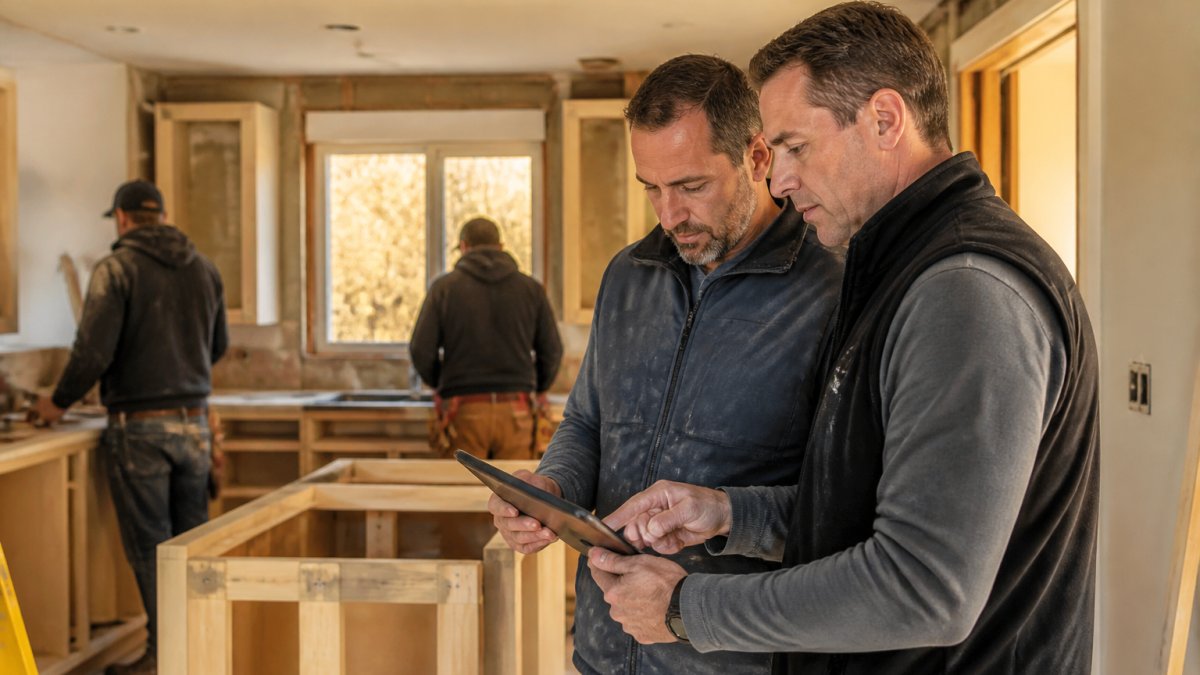
Field-to-office communication becomes instantaneous: photos update automatically, daily reports generate without manual data entry, and the architect sees exactly what's happening without being on site every day.
Construction Budget Tracking Software Stops Cost Overruns Before They Start
Budget forecasting also improves accuracy on future projects. The software tracks actual labor, material, and equipment costs against estimates, so the team gets better at predicting what a renovation will cost, improving bidding and client communication. Learn specific strategies for avoiding overruns to protect your budget from the start.
Construction Scheduling Software Coordinates Teams and Subcontractors
Construction scheduling software renovations automates task sequencing and resource allocation. The project manager sets dependencies, Task B cannot start until Task A is complete, and the software alerts the team when Task A runs late. Subcontractors see their dates and know what must be finished before they arrive.
Why Renovation Sequencing Differs From New Build
Software handles this: the project manager drags a task, downstream dependencies recalculate automatically, and every affected trade is notified in one action. Instead of calling six subcontractors about a moved drywall date, the schedule updates once and alerts go out, the difference between a two-day slip and a two-week slip.
Phased Work and Occupied Spaces
Scheduling software supports this with phase-level views and separate milestone tracks. The project manager models "Phase 1: demo and rough-in" and "Phase 2: finishes and punch list" as distinct sequences with their own dependencies, then shows the client exactly when each space will be unavailable. On occupied job sites this coordination is critical: tight scheduling keeps disruption minimal, customers see progress, and work stays efficient.
Concrete Mechanisms That Prevent Slips
Workforce coordination improves because everyone sees the same schedule: no confusion about which day the crew shows up, equipment delivered on the right date, and materials arriving when needed, not weeks early or days late.
Construction scheduling software handles the unique coordination challenges that renovation projects face.
| Challenge | How Software Helps | Outcome |
|---|---|---|
| Task dependencies and delays | Alerts team when upstream task runs late | Prevents downstream cascading delays |
| Subcontractor scheduling | Notifies all trades of date changes in one action | Avoids two-week slips from manual calls |
| Occupied space coordination | Supports phase-level views and separate milestones | Minimizes disruption and keeps work efficient |
| Workforce and material timing | Everyone sees same schedule with no confusion | Equipment and materials arrive when needed |
Renovation Project Management Software Centralizes Documents and Decisions
Learn how to resolve design and construction conflicts early to handle the disagreements that do arise.
Construction Change Order Management Keeps Scope Creep Under Control
See how to communicate budget updates to clients when changes do occur, so conversations stay productive.
Getting Your Renovation Team Started With Software
Most renovation teams that buy construction management software never get the full benefit, not because the tool is wrong, but because the rollout is. The gap between purchase and adoption is where schedules slip back to spreadsheets and change orders go back to email. A deliberate implementation plan is what separates teams that see results in the first quarter from teams that abandon the tool by month six.
Step 1: Define the Workflow Before You Configure the Tool
Software should reflect how your team actually runs a renovation, not an idealized process. Before you touch settings, document the real workflow for your most common project type: how a lead becomes an estimate, how the estimate becomes a schedule, how change orders get priced and approved, and how the client is updated. Then configure the software to match that workflow. Teams that skip this step end up forcing their process into the tool's defaults and quietly stop using it.
Step 2: Migrate Only What You Will Actually Use
Data migration is where adoption dies. Importing five years of closed projects into a new system creates clutter and slows the team down. A practical approach is to migrate active projects and your standard templates, estimate templates, schedule templates, change order forms, and client communication templates, and leave historical projects in the old system. The goal is a clean starting point, not a complete archive.
Step 3: Train by Role, Not by Feature
A superintendent does not need the same training as an estimator or an office administrator. Role-based training, a short session for field staff on daily reports and photo uploads, a session for the project manager on schedule dependencies and change orders, a session for the owner on budget dashboards, gets people using the parts of the tool that matter to their job on day one. Feature-by-feature training overwhelms field staff and is the most common reason adoption stalls.
Step 4: Pilot on One Project, Then Roll Out
Run the software on a single active renovation before company-wide rollout. Pick a project with a project manager who is open to the change and a client who will tolerate a learning curve. Use the pilot to find the friction points, a form that takes too long, a mobile view that is hard to read on site, a notification that fires too often, and fix them before the rest of the team is exposed. The learning curve is real, but the payoff is worth it when the rollout is staged.
Step 5: Measure Adoption and Outcomes
Track two things in the first 90 days: adoption (are daily reports, photos, and change orders being logged in the system?) and outcomes (has schedule variance narrowed? has change order approval time dropped? has the number of "where is that document" conversations fallen?). If adoption is low, the problem is almost always training or workflow fit, not the software. Address it before adding more features or more users.
A Renovation-Focused Selection Checklist
Use this checklist to compare options against renovation realities:
Frequently Asked Questions
What are the main benefits of construction management software for renovation projects?
Construction management software centralizes project data, tracks budgets in real time, coordinates subcontractors and teams, and prevents cost overruns and delays. It reduces duplicate data entry, improves communication between the office and field, and gives you visibility into every phase of the renovation. A 2024 study found that optimized software adopters experienced 77% increased profit margins and productivity gains for leadership and executive teams.
How does renovation project management software help prevent budget overruns?
Renovation project management software tracks actual costs against your budget in real time, showing committed expenses before invoices arrive. This early visibility lets you spot cost increases before they spiral. You can flag emerging overruns, adjust labor allocation, or approve change orders with current cost data instead of discovering surprises at month-end.
Can construction management software work on occupied job sites?
Yes. Modern construction management software supports field-to-office communication and remote access, which is essential for renovations in occupied spaces. Teams can log updates, submit photos, and flag issues from the job site without needing to return to the office. This reduces disruption to the homeowner or business and keeps everyone informed of progress and schedule changes in real time.
How does construction change order management software reduce scope creep?
Construction change order management software documents every requested change, tracks its cost impact, and requires approval before work begins. This creates a clear record for the client, prevents misunderstandings about what's included, and ensures your team doesn't perform extra work without compensation. All stakeholders see the same change request and cost, eliminating confusion and disputes.